Run a race day
Do this on the phone or tablet you'll use on the water.
Before you leave the dock
- Open rc.markroom.app and sign in while you still have signal.
- Open your regatta once, so it's saved on the device for use offline.
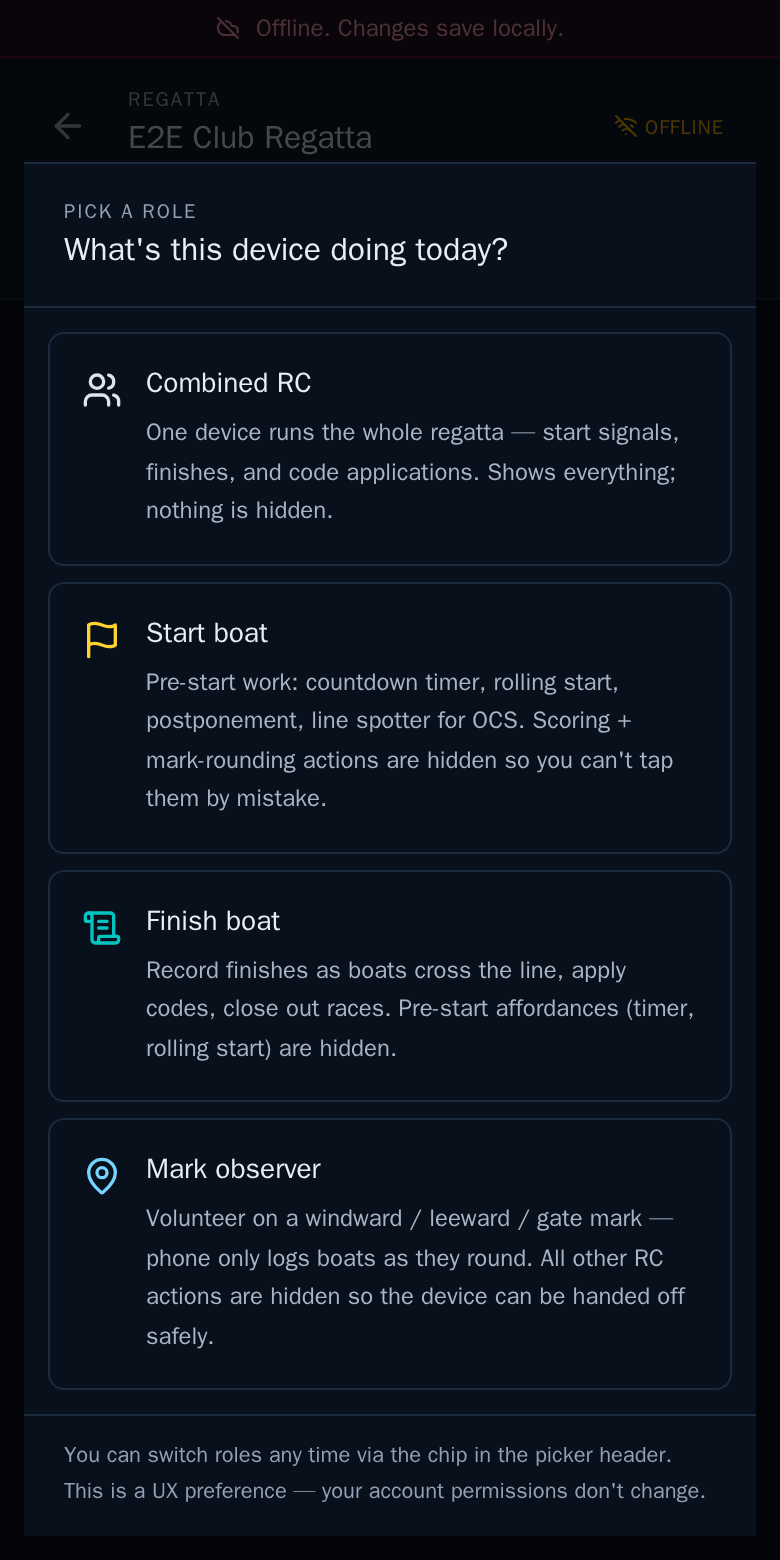
- Choose what this device does today. Combined RC runs the whole regatta on one device.
Pick a race
Pick a race lists today's races. Under a scheduled race, tap Timer to run the start sequence, or Start now to record the start.
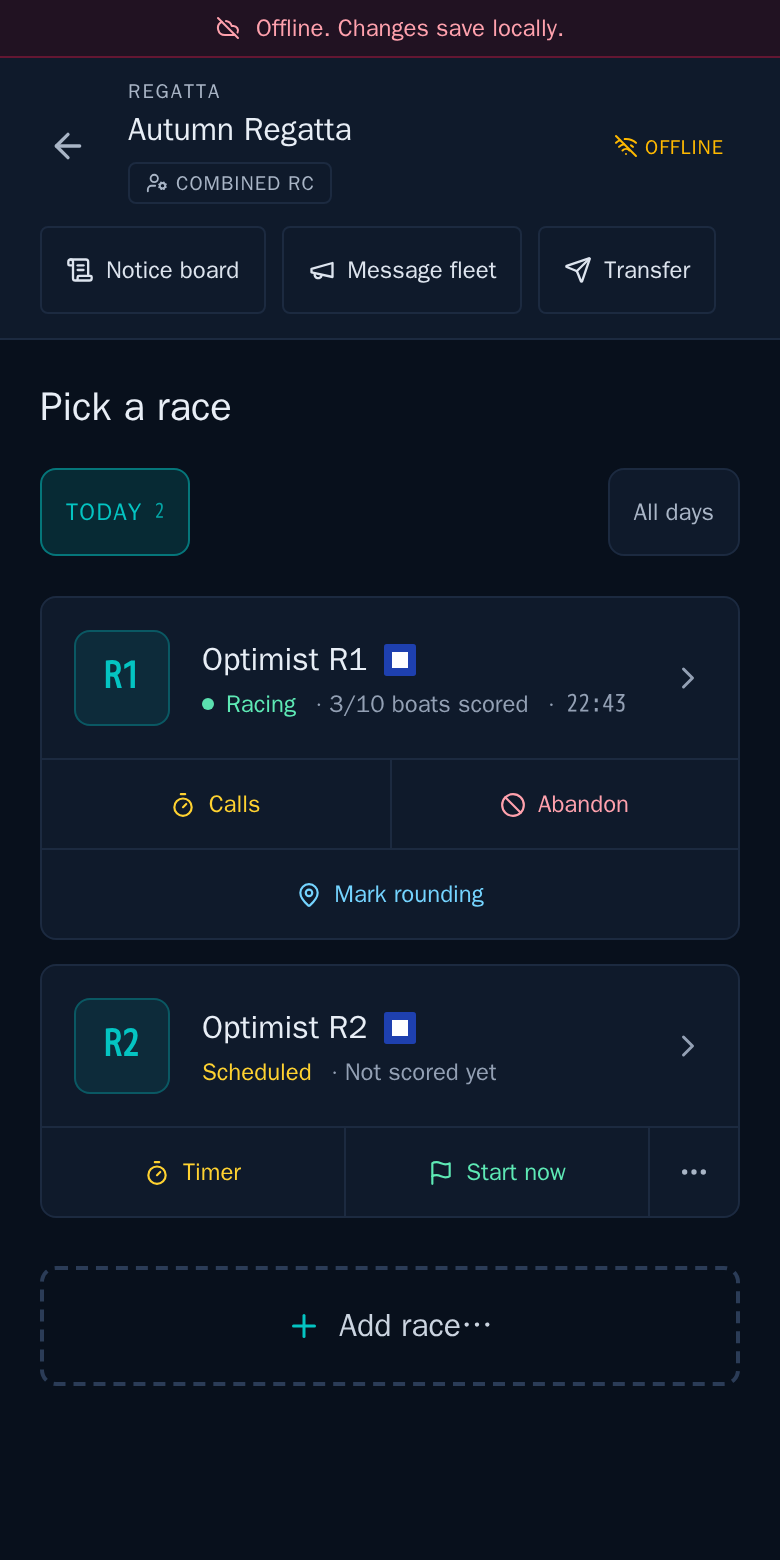
The other buttons at the top are for the whole regatta: the Notice board and Message fleet to the sailors.
During the race
Open the race to record finishes: see Record finishes. While it's running, the race card also offers Calls, Abandon and Mark rounding.
Under More in the race you'll find Roll call, Start list, Shorten, Message fleet and Log wind.
If racing stops for the day
You don't need to do anything when every planned race has been sailed.
End day is only for races you won't sail today: it abandons or postpones the races you mark, and shows them to you first. Check the list before you confirm.