Record finishes
Use this on the finish boat, on a phone or tablet.
Open the race
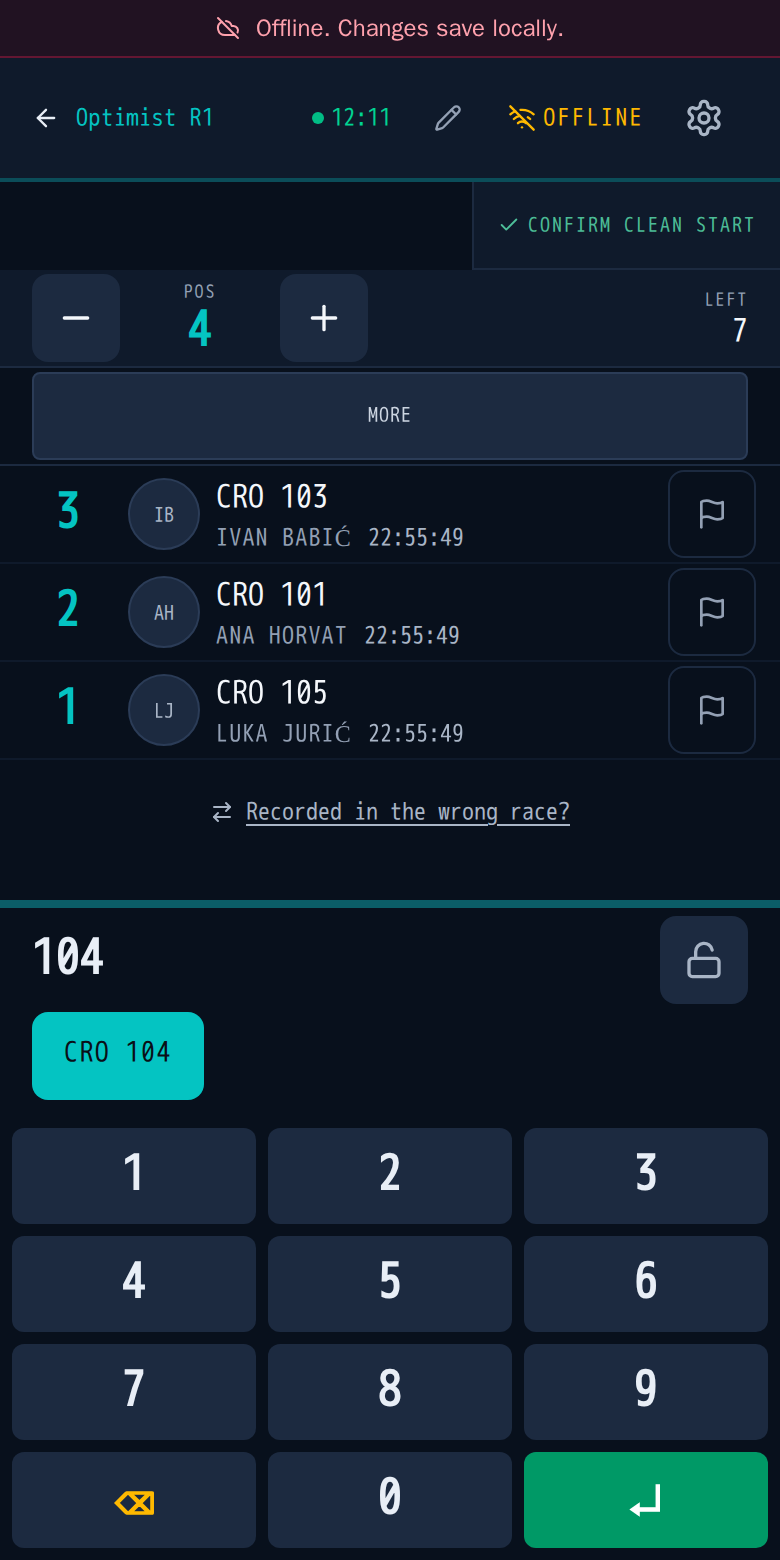
On Pick a race, tap the race. The screen shows the next position (Pos), how many boats are Left, and the keypad at the bottom.
Enter a boat
- Type the sail number on the keypad. The boat appears above the keys.
- Tap the boat, and it's recorded with its finish time.
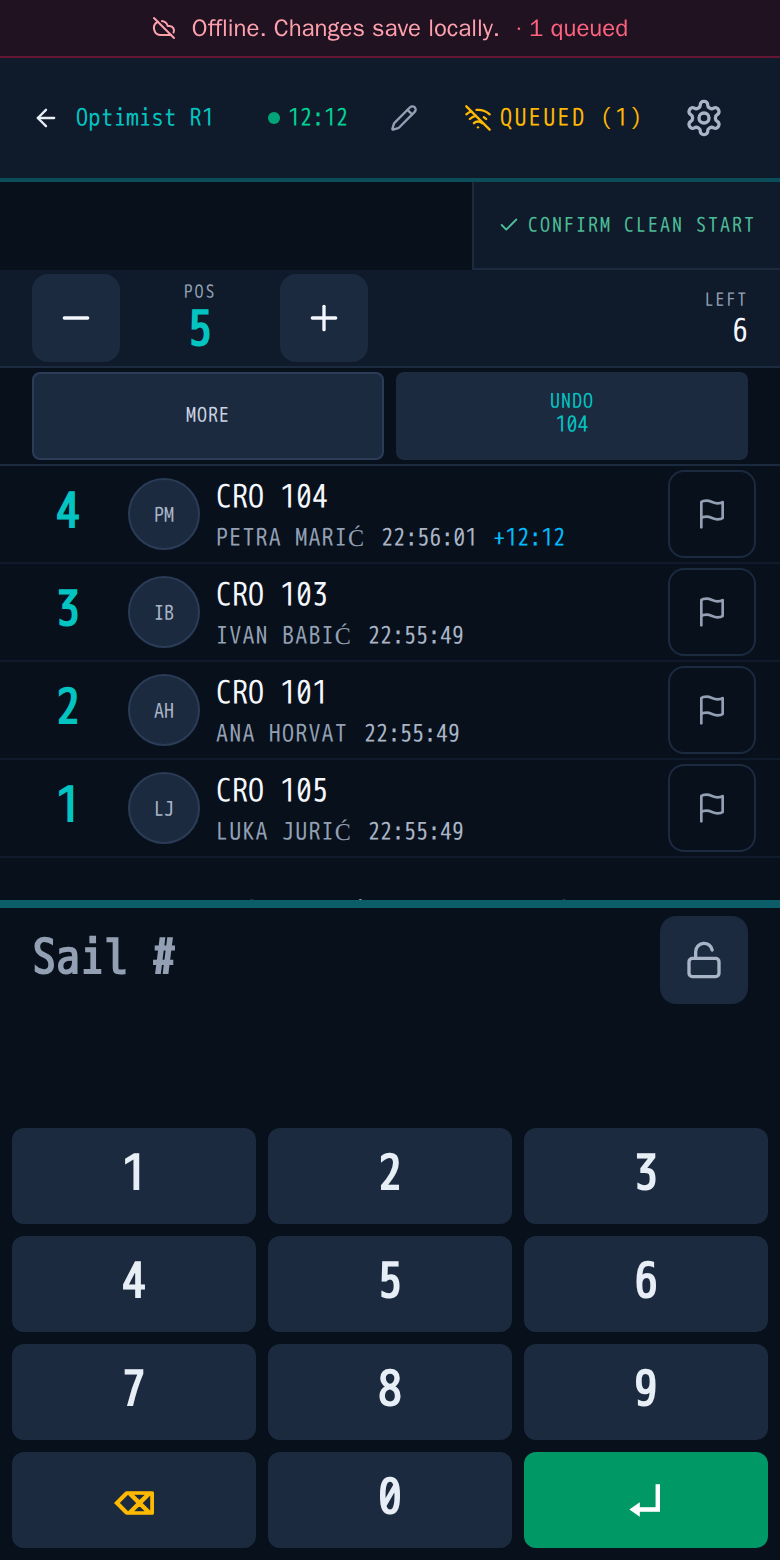
The boat moves into the list, and Pos goes up by one.
Fix a mistake
- Wrong boat just entered: tap Undo. The button names the boat it will remove.
- Wrong position: use − and + beside Pos before you enter the next boat.
- Wrong race: tap Recorded in the wrong race? under the list.
No signal
Keep going. The header shows Offline, finishes save on the device, and Queued shows how many are waiting. They send by themselves when the signal returns, so don't enter them again.
Finish the race
Tap More to see the race actions.
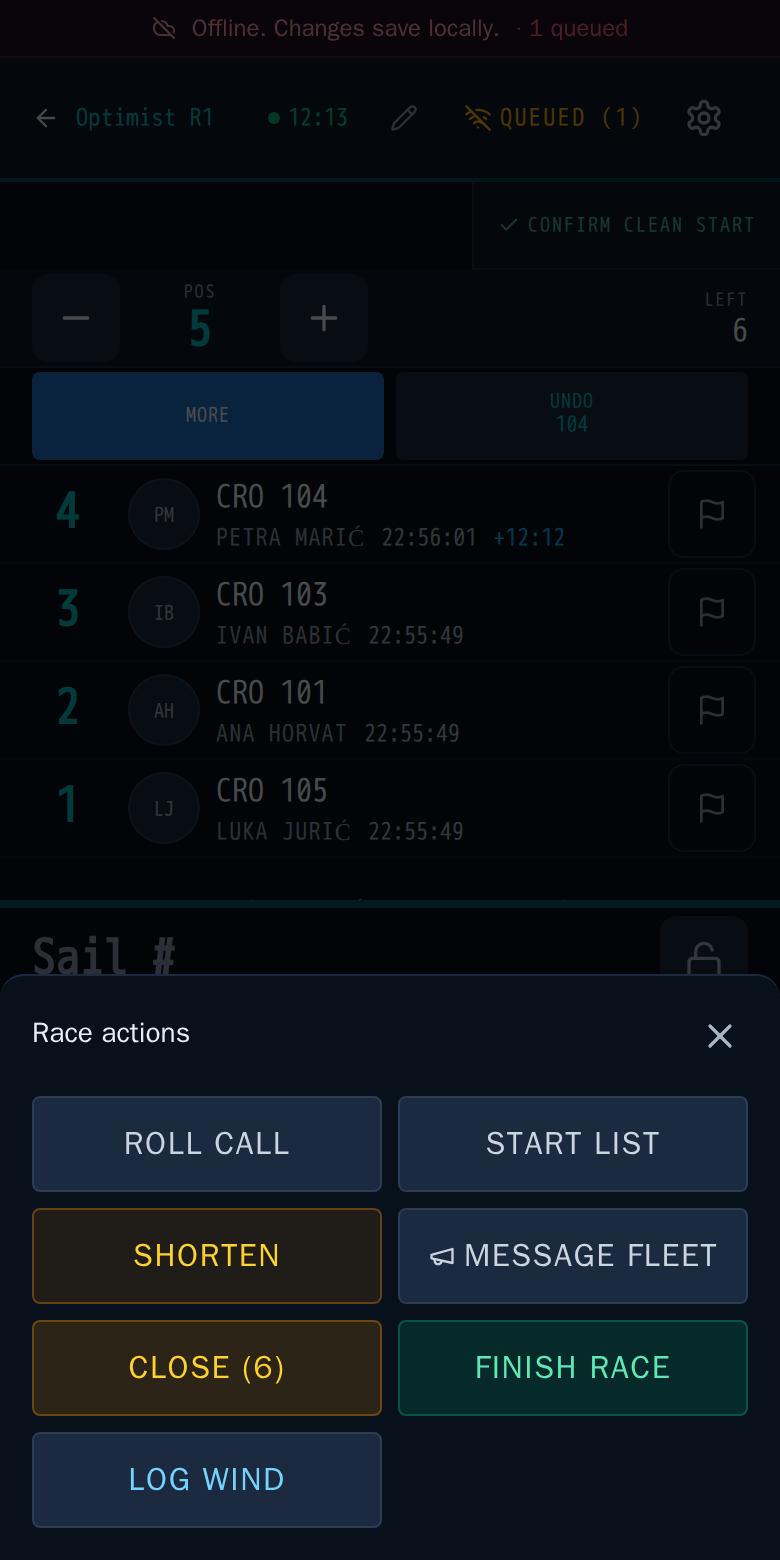
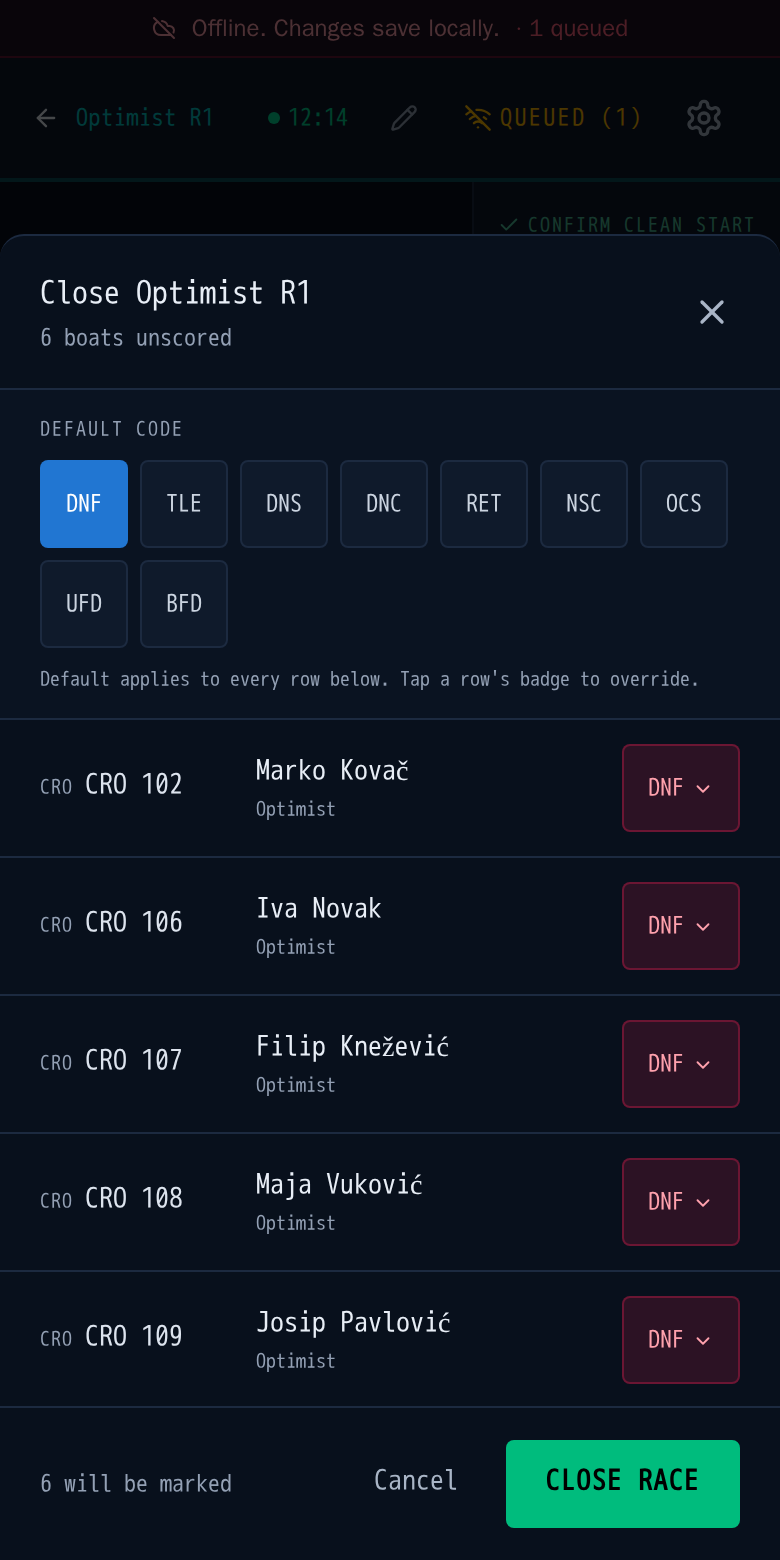
- Close (6) gives every boat without a result a code. The number is how many boats are left.
- Finish race ends the race once the boats are in.
In Close, pick the default code. It applies to every boat still without a result, and you can change single boats before confirming.